
Financial reporting
Review standard financial statements and supporting detail in one place. Move between period totals, account balances, ledger activity, and receivable or payable aging.
ARRSAL brings QuickBooks Online data into a workspace for reporting, cash forecasting, month-end review, and informed financial analysis.
Review the connected workspace across reporting, cash, accounts, and period activity. The image shows sample product data for illustration, not a live company.
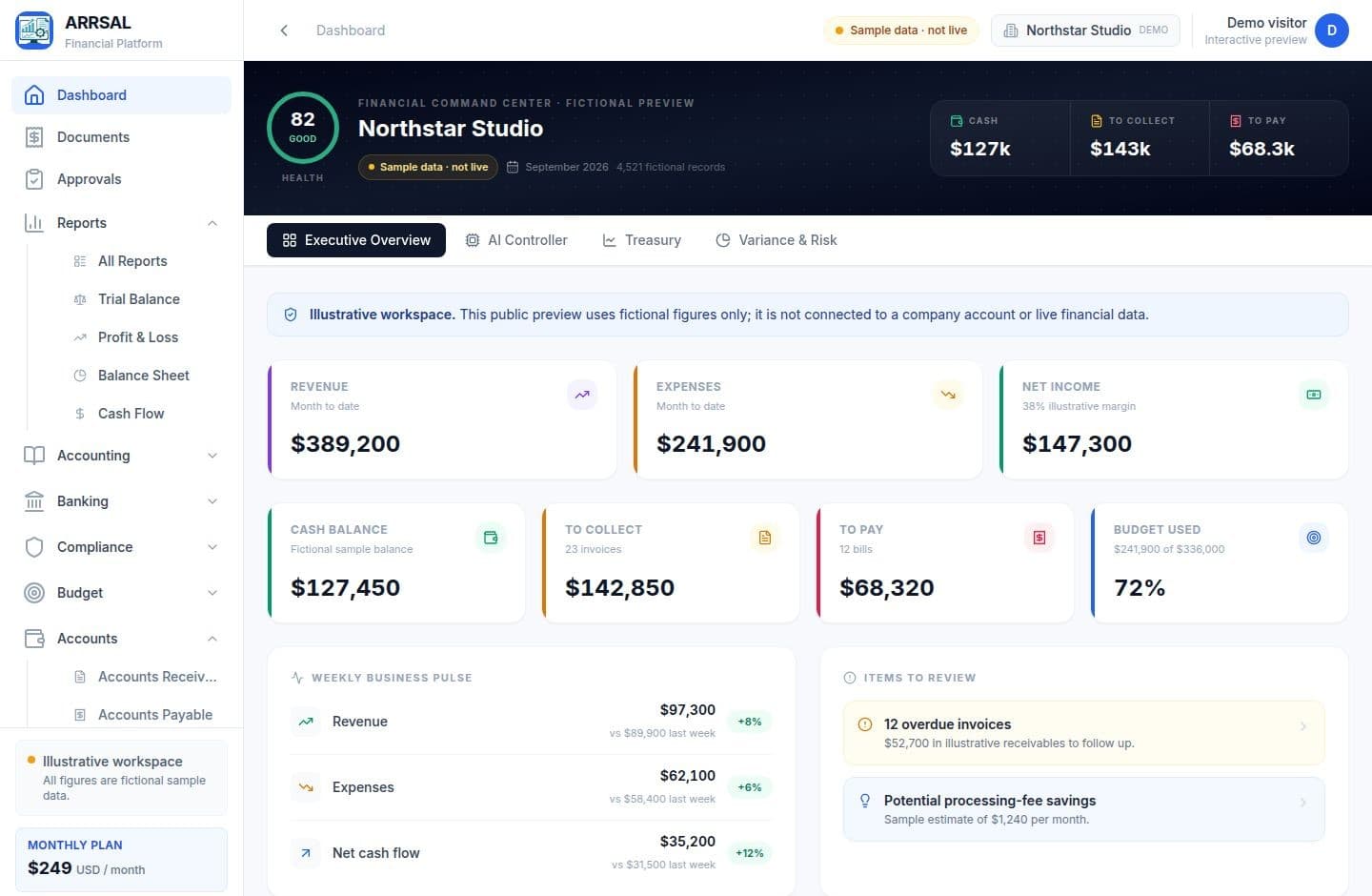
Use standard accounting reports to move from financial position to the underlying account activity. Reporting is grounded in the company data synchronized from QuickBooks Online.
Profit & Loss
Balance Sheet
Trial Balance
Cash Flow
General Ledger
AR Aging
AP Aging
| Income | $389,200 |
| Cost of goods sold | ($104,600) |
| Gross profit | $284,600 |
| Operating expenses | ($137,300) |
| Net income | $147,300 |
Financial work is more useful when reporting, obligations, and review steps can be seen in context. ARRSAL keeps these practical workflows close to the accounting source.
Review standard financial statements and supporting detail in one place. Move between period totals, account balances, ledger activity, and receivable or payable aging.
The rolling cash-flow worksheet uses accounting data to organize expected inflows and outflows alongside opening and closing cash. Forecast assumptions remain visible for your team to review.
See invoices and bills with payment and aging context, so incoming and outgoing obligations are part of the same operating picture.
ARRSAL generates an account-based close checklist for review. Follow task status, work through account-level items, and track progress toward final review.
Connect a QuickBooks Online company and synchronize supported accounting data for ARRSAL reports, financial review, and connected workflows. Access is granted through the QuickBooks authorization flow.
See the workspaceARRSAL can assist with interpreting changes and activity in financial data. Treat the output as a prompt for investigation and review; accounting conclusions remain with your team.
Documents appear in a working list with a preview and review workflow. Use the original document as context while your team evaluates the accounting information.
AI-assisted analysis can help explain financial activity and surface observations for review. It is a working aid—not a substitute for professional judgment or accounting advice.
Company access supports owner, admin, finance, accountant, bookkeeper, and viewer roles. Permissions are role-based and scoped to the company; what a person can do depends on their assigned role.
Reports, 13-week cash forecasting, receivable and payable visibility, close tasks, documents, and analysis sit alongside synchronized QuickBooks data.
Explore the product tour, then review the plans and current pricing.